What Multi-Location SEO Actually Means
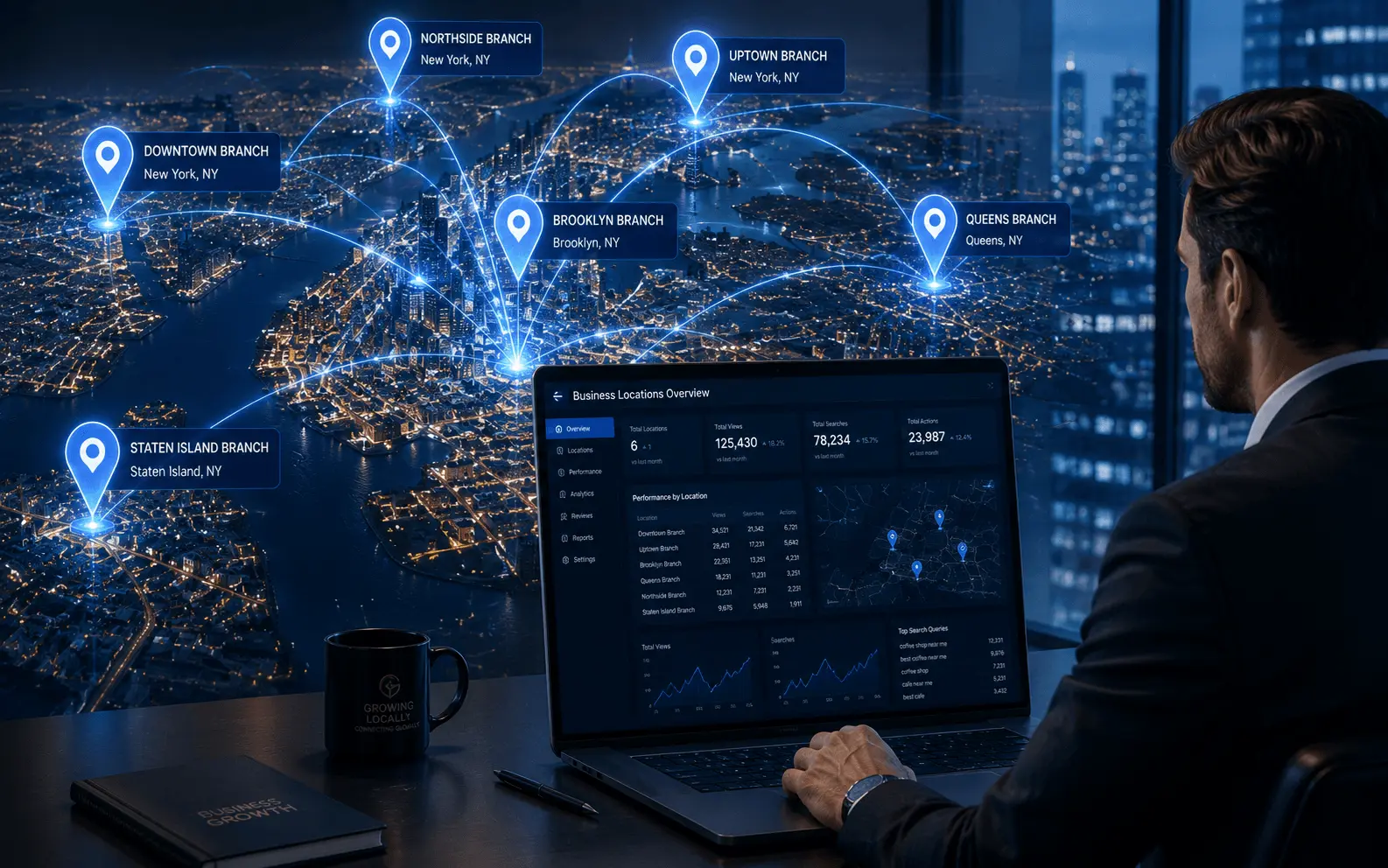
Multi-location SEO is the practice of optimizing your online presence to rank in local search results across multiple geographic areas. This includes your website's location pages, Google Business Profile listings, citation footprint, and local link building strategy — all managed simultaneously across every city you serve.
It is relevant for two types of businesses: those with physical locations in multiple cities (a dental group with clinics in four neighborhoods) and service area businesses operating from one base but serving multiple cities (a landscaping company). The strategy differs slightly between these models, but the underlying principle is the same: each target city needs its own dedicated content, GBP if a physical location exists, and citation/link signals.
Why Duplicate Content Kills Multi-Location Rankings
⚠️ The most common and most destructive mistake: Copying one location page and swapping out the city name. When Google crawls multiple pages that share the same structure, headings, body copy, and service descriptions with only the city name changed, it identifies them as duplicate content — discounting most or all of them. The problem compounds with 5 or 10 location pages and can suppress rankings across your entire domain.
The fix requires genuine effort. Every location page must contain content that is unique, locally specific, and genuinely useful to someone in that city. The same service, written from four distinct local perspectives, is not duplicate content. It is multi-location SEO done correctly.
How to Structure Your Website for Multiple Locations
Use subfolder URL structure
yourdomain.com/plumber-columbus, yourdomain.com/plumber-dayton, yourdomain.com/plumber-cincinnati. This keeps all location authority under your main domain and is easier for Google to interpret than subdomains.
Create a locations hub page
At yourdomain.com/locations that links to every individual location page. This gives Google a clear navigation path to all your location content.
Internal link between locations and services
Each location page should link back to the locations hub and cross-link to relevant service pages. This helps Google understand the relationship between your locations and services while spreading authority throughout the site.
How to Create Location Pages That Actually Rank
A location page that ranks is not a template with a city name inserted. It is a page that earns its ranking by providing genuine local value a competitor's page does not.
- Unique headline with primary service and specific city name
- Unique opening paragraph referencing something genuinely local — a neighborhood, landmark, local industry, or specific challenge residents in that area face
- Local testimonials from customers in that city specifically
- Specific team members or technicians who serve that location
- City-specific regulations, weather considerations, or local context relevant to your service
- Google Map embed for each location with a physical address
- LocalBusiness schema markup with location-specific name, address, phone, and service area
The Ohio roofing company's Cincinnati page referenced hail storm patterns common to the Cincinnati basin and the types of roofing materials most common in older Cincinnati neighborhoods. Their Dayton page referenced local building code requirements that differed from Columbus. None of that content existed on any other page.
Google Business Profile Strategy for Multiple Locations
If your business has a physical location in each city, you need a separate verified Google Business Profile for each one. Each GBP should be fully optimized independently with location-specific photos, local phone numbers, accurate hours, and the correct primary category.
⚠️ Business name rule: The business name on each GBP should be your actual business name without city-name additions. "Premier Dental Group Columbus" violates Google's guidelines and risks suspension. Every location should simply be "Premier Dental Group."
For service area businesses without a physical address in each city: optimize your single GBP by defining your full service area through the service area settings (up to 20 cities). Combine with strong location pages on your website to establish relevance in each city you serve.
Citation Management Across Multiple Locations
Each physical location needs its own citation footprint. Your Columbus location has its own Yelp page, Bing Places listing, Apple Maps entry, and industry-specific directory listings — all with the Columbus address and phone number. Your Cincinnati location has completely separate listings with Cincinnati-specific information.
BrightLocal allows you to manage citation building and monitoring for multiple locations from a single dashboard — separate location profiles, independent citation audits, and consistency tracking by location. For businesses managing more than three locations, this centralized tooling is worth the investment.
Building Local Links for Each Location
Earn links from local sources in each city
Chamber of Commerce, local news outlets, neighborhood business associations, local event sponsorships, and local bloggers in each specific market.
Sponsor local events or youth sports teams
Most community organizations maintain a sponsors page with a website link. A $200 sponsorship earning a permanent link from a well-established local organization is one of the best link-building investments available.
Pursue local press coverage per market
If your business does something newsworthy in a specific city, pitch it to that city's local newspaper or business journal. A story about a new location opening, local hiring, or a notable project earns both a citation and a high-authority local backlink.
How to Track Rankings Across Multiple Cities
Tracking multi-location SEO performance requires monitoring rankings in each city independently. A tool tracking your Columbus rankings tells you nothing about Cincinnati performance.
- Use BrightLocal or Whitespark to track keyword rankings by specific city or zip code across all locations
- For each location, track primary service keywords combined with city name, branded keywords in that city, and Google Maps pack position
- Review metrics monthly and compare ranking trajectory across locations to identify which cities are gaining ground
- Monitor GBP Insights separately for each location — search views, map views, direction requests, and phone calls
Common Multi-Location SEO Mistakes to Avoid
⚠️ Never create GBP listings for cities where you do not have a physical presence. Using virtual offices or mailbox services violates Google's guidelines. Google detects these and can suspend all your profiles.
- Neglecting locations after launch — no new reviews, no updated photos, no fresh content
- Using the same phone number across all locations — each physical location should have its own local number
- Forgetting mobile optimization on location pages — the majority of local searches happen on mobile devices
Frequently Asked Questions About Multi-Location SEO
Yes, if you have a genuine physical location in each city. Each location with a real address should have its own separate, fully optimized GBP. Service area businesses without physical addresses in each city cannot create separate profiles — they must use the service area settings on their single GBP.
Create a dedicated, unique location page on your website targeting that city with genuinely local content. Build citations on local directories specific to that city. Earn at least a few local backlinks from that city's community organizations. While the proximity disadvantage is real, strong website signals and citation authority can compensate significantly in less competitive markets.
New location pages typically take four to eight weeks to be fully indexed. Ranking competitively for targeted search terms in a new market usually takes three to six months of consistent optimization including building location-specific reviews and citations. Markets where you lack physical proximity to searchers take longer.
Yes, the design template can be consistent — but the content must be genuinely unique for each location. Same structure, different content. Think of it like a franchise model where every store follows the same brand standards but serves its own local community distinctively.
Yes. Google Business Profile allows you to manage multiple verified locations from a single account, which is recommended for efficiency and consistency. You can also use Google's bulk location management tools for businesses with 10 or more locations.
Want These Results for Your Business?
Get a free local SEO audit — I'll show you exactly what's holding your rankings back and the fastest path to the Map Pack.
View Real Client Results