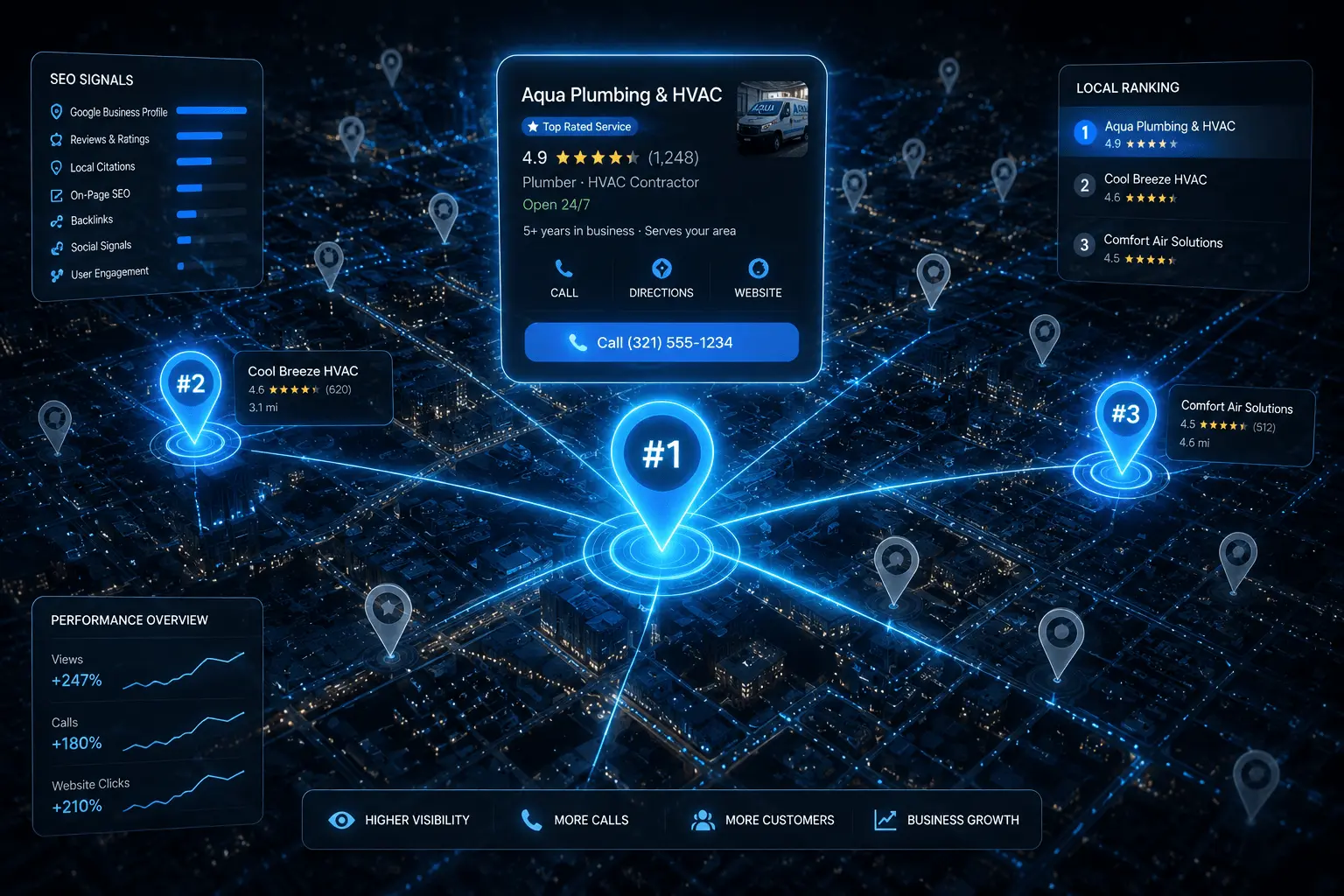
The answer had nothing to do with money or luck. It had everything to do with understanding exactly how Google Maps ranking works and doing the right things consistently over time.
Why Google Maps Is the Most Valuable Real Estate for Service Businesses
Google Maps results — the Local Pack — appear right below paid ads and above organic links. Research from BrightLocal shows that 76% of people who search for a local service take action within 24 hours. The businesses sitting in those top three spots collect the overwhelming majority of those calls.
Ranking on Google Maps is significantly more achievable than ranking in traditional organic search. Google uses a specific and learnable set of local signals. Once you understand them, you can build a real competitive advantage.
The Three Pillars Google Uses to Rank Local Businesses
- Relevance — How well your business matches the search query. Be as specific as possible.
- Distance — How close your business is to the searcher. You cannot move, but you can signal which areas you serve.
- Prominence — How well-known and trusted your business appears across the web.
Step 1: Claim and Fully Optimise Your Google Business Profile
This is the foundation of everything. If you have not claimed your Google Business Profile, go to business.google.com right now and complete the verification process before you do anything else.
Choose your primary category carefully
This single decision has more impact on your ranking than almost any other setting. Be as specific as Google allows. Add 3–5 secondary categories for additional services.
Fill out every single section
Business description, service area, hours, phone, website, and the services section all contribute to how Google evaluates and ranks your listing.
Upload at least 20 high-quality photos
Businesses with more photos receive 42% more direction requests and 35% more website clicks. Include team, completed projects, and branded vehicles.
Complete the services and products sections
Most business owners leave these blank — a genuine mistake. Google uses these fields to match your listing to relevant searches.
Step 2: Build NAP Consistency Across Every Directory
⚠️ Inconsistencies are shockingly common. 'Marcus Plumbing LLC' on Google, 'Marcus Plumbing' on Yelp, and 'Marcus's Plumbing Services' on Angi — those small variations send confusing signals to Google's algorithm.
Start by auditing your existing citations using BrightLocal, Whitespark, or Moz Local. Clean up inconsistencies first. Then build new listings on the most authoritative directories: Yelp, Bing Places, Apple Maps, Angi, BBB, and your local Chamber of Commerce.
Step 3: Generate Reviews Consistently — Not Just in Bursts
Here is what most guides completely miss: the consistency of getting new reviews matters more than total volume. A business with 200 reviews where the last was eight months ago will often rank below a business with 60 reviews that earns 2–3 new ones every week.
After completing a job, send the customer a short text with a direct link to your Google review page. 'Hi Sarah, it was great working with you today. If you have a moment, we would really appreciate a quick Google review.' That is all it needs to be.
Step 4: Optimise Your Website With Local Signals
Create dedicated pages for every city you serve
Each page should include the city name in the title tag, the main heading, and naturally throughout the body content.
Add full NAP in the footer of every page
Embed a Google Map on your contact page. Use local schema markup to help Google understand your business type, service area, and contact details.
Keep pages specific and unique
These pages are not duplicate content if you write them with genuinely unique information about each location.
Step 5: Earn Local Backlinks That Signal Community Roots
- Sponsor a local event or school program — most organisations link back to sponsors
- Reach out to local bloggers and regional news publications to contribute expert content
- Establish referral partnerships with complementary businesses who mention you on their resources page
Step 6: Stay Active on Your Profile Every Month
Google rewards profiles that show signs of regular activity. Use Google Posts at least twice a month. Add new job photos regularly. Seed your Q&A section by posting common customer questions yourself and answering them thoroughly.
Common Mistakes That Kill Google Maps Rankings
⚠️ Never stuff keywords into your business name field. This is against Google's terms of service and can get your listing suspended. Use only your real, legal business name.
- Choosing a primary category that is too broad dilutes your relevance
- Ignoring negative reviews instead of responding thoughtfully
- Leaving your profile with missing hours, no service descriptions, and only a few blurry photos
Frequently Asked Questions
Most service businesses see meaningful movement within 60 to 90 days of consistent optimisation. Highly competitive markets like personal injury law can take 4–6 months.
Not necessarily. Your Google Business Profile can rank in the top three even if your website is not on page one organically. But a stronger website does support better Maps rankings over time.
Your strongest rankings will always be closest to your verified business address. You can expand visibility through service area pages and strong citation building, but Google primarily surfaces businesses near their verified location.
There is no universal number. In a small market, 25 well-distributed reviews might be enough. In a competitive metro area, you might need 100 or more. Focus on earning reviews consistently.
Yes, they are worth testing. Local Services Ads appear above the standard Local Pack and operate on a pay-per-lead model. But organic Maps ranking should remain your long-term priority because it generates leads without ongoing ad spend.
Want These Results for Your Business?
Get a free local SEO audit — I'll show you exactly what's holding your rankings back and the fastest path to the Map Pack.
🎯 Get Your Free SEO Audit