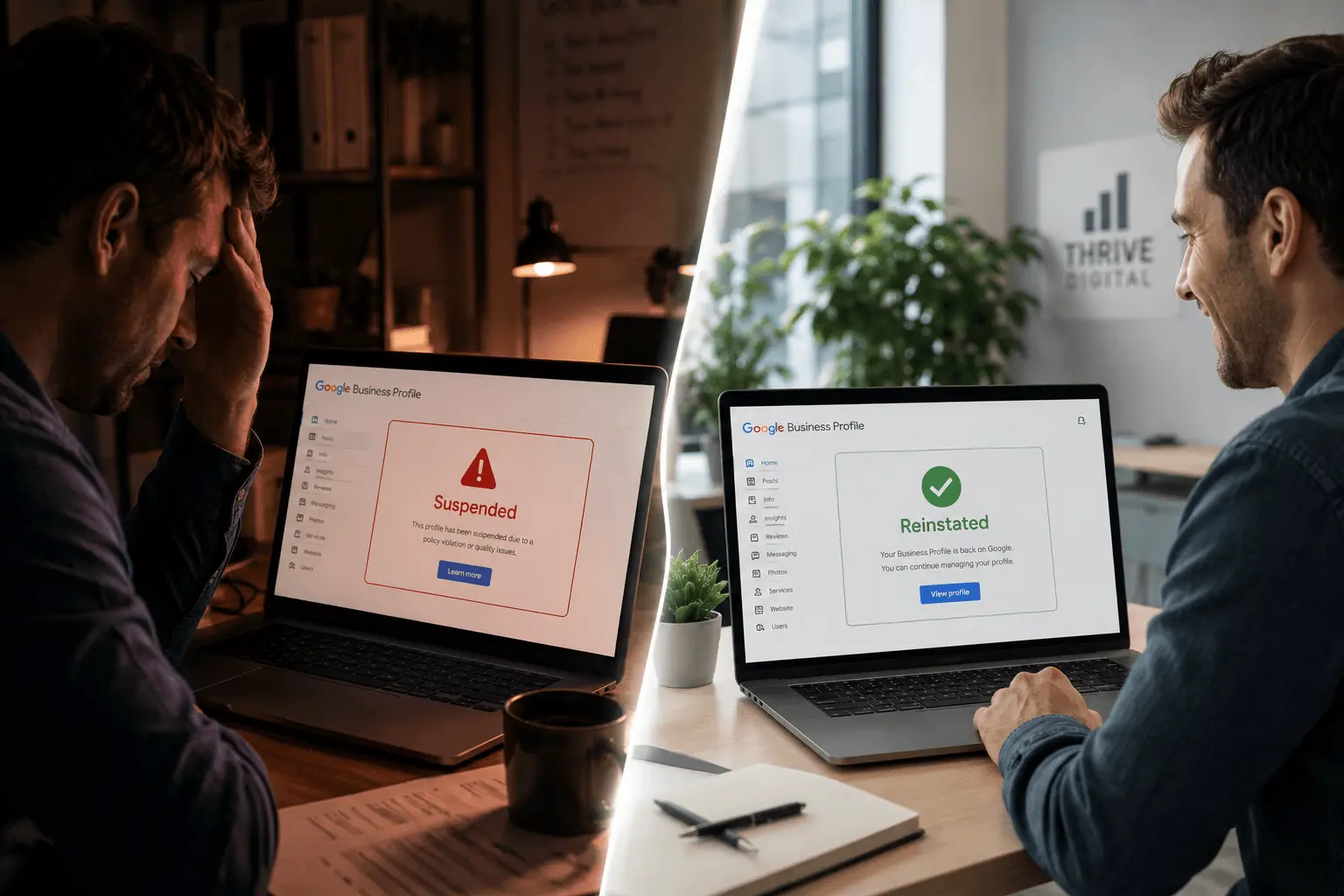
What Does a Google Business Profile Suspension Actually Mean?
A Google Business Profile suspension means Google has removed your listing from public view on Google Search and Google Maps. Your profile still exists in the backend, but no one searching for your business or your service category can find it.
This is different from a profile being disabled or removed. A suspended profile can be reinstated. A removed profile is permanently deleted — a much rarer and more serious outcome.
BrightLocal found that 76% of people who search for a local business visit within 24 hours. Losing your GBP presence even temporarily can cost thousands in missed revenue.
The Two Types of GBP Suspensions
Before you take any action, you need to know which type of suspension you are dealing with. Google issues two distinct types and the recovery process is different for each.
- Soft Suspension: Profile disappears publicly but your GBP dashboard still shows it as active. Usually triggered by automated systems flagging a policy signal.
- Hard Suspension: Profile is completely inaccessible. You see a suspension message in your dashboard. More serious — typically indicates a policy violation or manual review.
The Most Common Reasons Google Suspends Business Profiles
Virtual office or mailbox address
Google requires your listed address be a place where you are physically present during stated business hours. UPS Store addresses and co-working spaces you only visit occasionally violate this policy.
Keyword stuffing in business name
Adding city names or service keywords to your business name that are not part of your legal name is a direct violation. "Best Plumber Dallas Emergency Service LLC" will get you flagged fast.
Restricted business category
Locksmiths, garage door services, and financial services face heightened scrutiny. Even legitimate businesses in these categories get suspended more frequently.
Mismatched information
If your GBP address does not match your website, citations, or official registration documents, Google may suspend until the discrepancy is resolved.
Multiple profiles for the same location
Creating duplicate listings for the same address — even accidentally — triggers suspension.
Sudden spike in profile edits
Multiple rapid changes to address, phone number, or business name can be interpreted as suspicious activity.
Step 1: Identify Why Your Profile Was Suspended
Do not submit an appeal before you understand the reason for the suspension. An appeal without a clear explanation of what went wrong and how you fixed it will almost certainly be rejected.
⚠️ Do not rush straight to appealing. Read Google's Business Profile guidelines in full first. Check for keyword stuffing in your name, address discrepancies, duplicate listings, and whether anyone has submitted unauthorized edits via the "suggest an edit" feature.
Step 2: Fix the Violation Before You Appeal
This step is where most businesses fail. They submit an appeal without correcting the problem. Google's review team sees the same issue and denies it. Fix everything first.
- Remove any keywords from your business name — use your exact legal name
- Update to a compliant physical address if using a virtual office
- Merge or remove duplicate listings through the GBP dashboard
- Match NAP across your website, GBP, and all major citation sources
- Gather documentation: business license, utility bills, government ID, professional certifications
Step 3: Submit the Reinstatement Request the Right Way
Google's reinstatement request form is available at the Business Profile Help Center. When filling it out, be specific and factual. Do not write vague explanations like "I did nothing wrong."
Write something like: "Our listing was suspended because our business name included the word Dallas, which is not part of our legal name. I have corrected the name to match our registration exactly. Business license and utility bill attached."
Upload every piece of supporting documentation: business license, lease agreement, utility bill, bank statement, professional license, and photos of your physical location including signage. The more concrete evidence, the stronger your appeal.
Step 4: What to Do While You Wait
Set up Bing Places immediately
While it does not carry the same weight as GBP, it provides some local visibility during your suspension period.
Make direct contact info more prominent on your website
Add your phone number and address to your homepage header. Make your contact page easy to find.
Stay active on other review platforms
Continue responding to reviews on Yelp and TripAdvisor. Staying active demonstrates your business is legitimate and operational.
Follow up after 10 business days
If you have not heard back, contact Google Business Profile support chat. Keep your case number ready. Be polite, persistent, and document every interaction.
How Long Does GBP Reinstatement Take?
How to Prevent a Future Suspension
- Review your GBP listing monthly and check for unauthorized edits
- Enable notifications so you are alerted to any profile changes immediately
- Keep NAP consistent — update address, phone, or name across all directories within the same week of any change
- Never keyword stuff your business name again
- Keep a compliance folder with current business license, proof of address, and GBP screenshots updated quarterly
Frequently Asked Questions
A soft suspension means your profile is hidden publicly but still accessible in your dashboard. A hard suspension means the profile is completely inaccessible and shows a suspension message. Hard suspensions require more documentation and often involve manual review by Google's team.
Yes. If your first appeal is denied, you can submit additional appeals with more documentation. Each denial gives you a chance to identify what Google needs. Stronger documentation and a clearer explanation of the corrected violation improve your chances significantly.
Reviews are not deleted during a suspension. Once your profile is reinstated, all existing reviews should return. In rare cases of permanent removal, reviews are lost, but this is far less common than a suspension.
Yes. Competitors can use the "suggest an edit" feature to change your hours, address, or category, which can trigger a suspension. Check your edit history regularly through the GBP dashboard. If you spot unauthorized changes, revert them immediately and monitor closely.
Business license, utility bill or bank statement showing your business address, government-issued ID, photos of your physical location including exterior signage, and any relevant professional certifications or licenses for your industry.
Your Recovery Action Plan
Diagnose
- Read Google guidelines fully
- Identify the suspension type
- Check for duplicate listings
- Review edit history for tampering
Fix & Document
- Correct business name if needed
- Resolve address issues
- Gather all documentation
- Fix NAP across website and directories
Appeal & Monitor
- Submit reinstatement request with full docs
- Set up Bing Places as backup
- Update contact info on website
- Follow up at day 10 if no response
Want These Results for Your Business?
Get a free local SEO audit — I'll show you exactly what's holding your rankings back and the fastest path to the Map Pack.
View Real Client Results